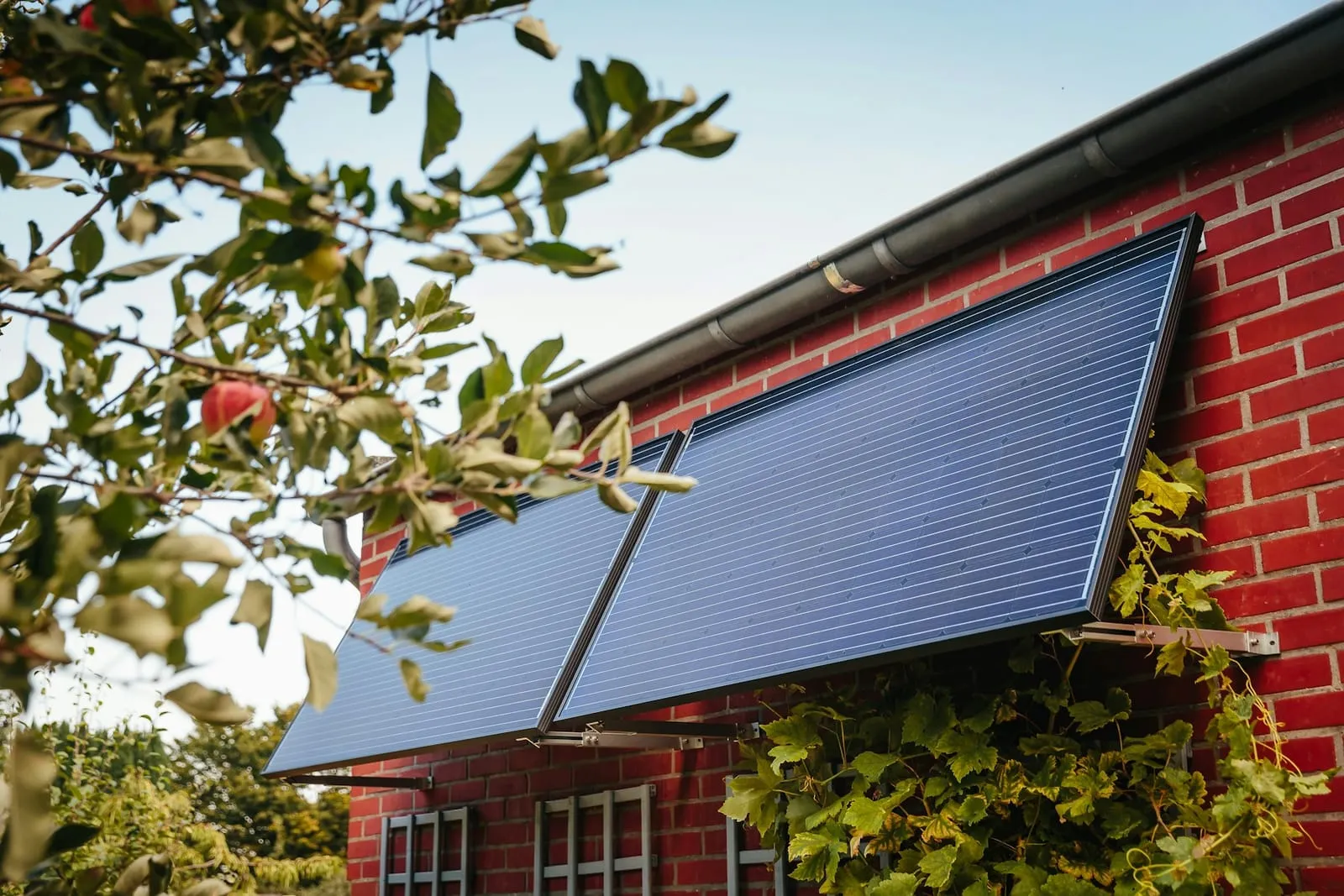
The rules cover devices “installed in accordance with the manufacturer’s instructions” (Explanatory Memorandum to SI 2026/848, para 5.1). This guide sets out what the official rules require. It isn’t electrical advice. If you’re unsure about your wiring, get an electrician.
- Buy a Compliant kit, and make it your only plug-in device.
- Get permissions from your landlord, freeholder or council, and check your insurance.
- Check your electrics for RCBO protection.
- Choose the socket: fixed, on a socket circuit, IP55 if outdoors.
- Mount the panels securely, not on timber or banned cladding.
- Fit the warning label near your consumer unit.
- Plug in and test the RCBO from time to time.
- Register with your DNO.
1. Buy a Compliant kit
The kit must meet the government’s Interim Product Specification (IPS). The manufacturer must have it listed as Compliant on the ENA Type Test Register before selling it. Submitting it for registration isn’t enough (IPS §7). Battery kits are outside the rules (see batteries).
You may have only one plug-in device per household (Ofgem, approving G98 Issue 2 Amendment 1). Plug-in solar isn’t yet legal to use in Northern Ireland.
Our in stock and kits pages show Compliant kits by default. The compliance checklist covers what else to look for.
2. Get permissions
The IPS makes you responsible for “obtaining any necessary permissions from the property owner, landlord, freeholder, managing agent or relevant authority prior to installation”, and for any planning permission and listed building consent (§8.3.1). It also asks you to check whether the kit affects your insurance. See landlord permission, planning permission and insurance.
3. Check your electrics
From the IPS (§8.3.2 and footnote 9):
- Check for modern residual current protection (RCBOs). Homes with older fuses and no RCBOs should be checked and upgraded by an electrician.
- If your kit has more than 960 W of panels, the manufacturer must advise you to “consider professional assessment” of your wiring (§4.1).
- Any change to the circuit itself, such as replacing its protective device, is work for a qualified electrician only.
The charity Electrical Safety First goes further. It recommends “at least a Type A bidirectional RCD”, says homes with Type AC RCDs should upgrade first, and advises an electrician’s assessment before you buy. See sockets and wiring.

Circuit breakers in a distribution board. Check your consumer unit for RCBO protection, and fix the kit's warning label near it.
4. Choose the socket
- A fixed BS 1363 wall socket, with the kit’s own moulded plug straight into it (IPS §6.2.3).
- A socket circuit only. Not a lighting circuit, or a spur feeding fixed equipment such as a cooker or boiler (IPS §8.3.3).
- If it’s outdoors, the socket must be rated at least IP55 (IPS §4.2.3).
- No separate circuit needed: the IPS covers connecting to “an existing low-voltage electrical installation … without requiring installation of a separate electrical circuit”.
No extension leads or adaptors
Multi-way adaptors, travel adaptors, RCD adaptors and extension leads (even outdoor ones) are all ruled out (IPS §6.2.3). If there’s no socket in reach, adding one is a job for a registered electrician.
5. Mount the panels
Mounting must be reversible and non-permanent. Cable ties, rope, tape, bungees or straps alone don’t count (IPS §5.5.1). Not on timber balconies, timber, ACM, MCM or HPL cladding, or a wall shared with a neighbour (IPS §5.8, §8.3.2).
The panel limits are built into the kit: no more than four modules, no more than two in series, and no Y-connectors (IPS §4.2.2). Don’t add panels the manufacturer doesn’t allow. Where to put them, and planning limits in England, are in mounting.
6. Fit the warning label
The kit includes a warning label to fix near your consumer unit (fuse box) (IPS §8.2.3.1). It tells anyone working on your electrics that a generator is connected.
7. Plug in
Connect the panels to the inverter as the manual shows, then plug the kit into the socket. Once it’s running, the IPS asks you to test the RCBO periodically while the device is generating (§8.3.4). Your manual should explain how.
8. Register with your DNO
Telling your network operator (DNO) is mandatory (Ofgem; IPS §8.2.3.1). DESNZ says it’s a short online form “within 28 days of installation”, taking about 5 to 10 minutes (impact assessment, para 25).
One DNO, Electricity North West, says to register “before you use them” and links to myplugin.solar. The safe course is to register before plugging in, or at the latest within 28 days. You must also tell the DNO if you permanently remove the kit. Full steps: register and G98.
What to do next
See which Compliant kits are in stock, or check what your spot would generate in the calculator.
Sources
- SI 2026/848
- Explanatory Memorandum to SI 2026/848
- DESNZ Plug-in Solar Device Interim Product Specification v2.0 (July 2026)
- Ofgem decision approving DCRP/MP/26/02 (G98 Issue 2 Amendment 1)
- DESNZ plug-in solar final-stage impact assessment (para 25)
- Electricity North West: Plug-in solar
- ENA Connect Direct Type Test Register: Plug-in Solar
- Electrical Safety First: Plug-in solar panels